정말 욕이 절로 나온다. 삽질을 해댔으니 나중을 위해 기록해둔다.
*순서대로 해야 나중에 헷갈리지 않는다.
https://code.visualstudio.com/
Visual Studio Code - Code Editing. Redefined
Visual Studio Code is a code editor redefined and optimized for building and debugging modern web and cloud applications. Visual Studio Code is free and available on your favorite platform - Linux, macOS, and Windows.
code.visualstudio.com
Visual Studio Code : Stable 버전 Mac을 설치한다.
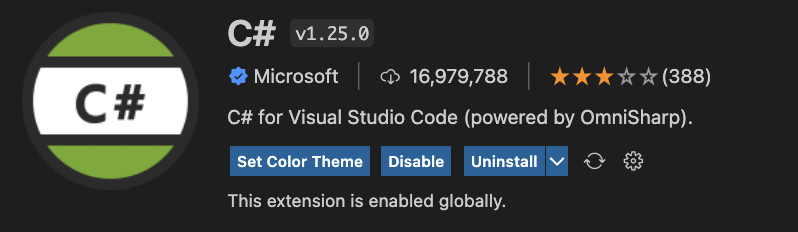
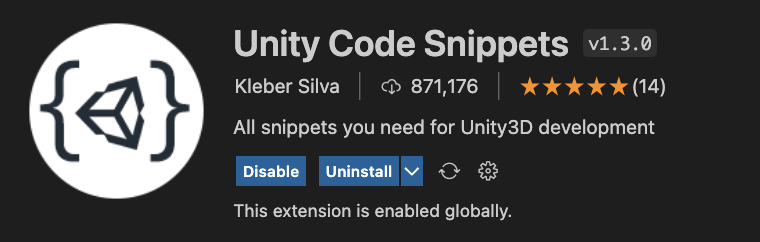
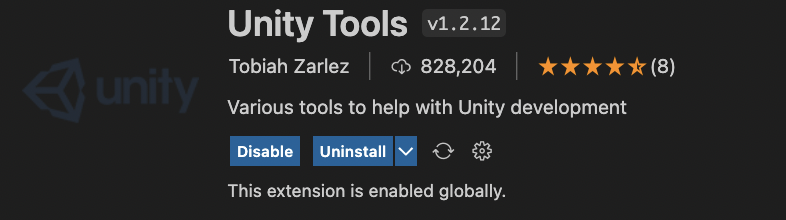
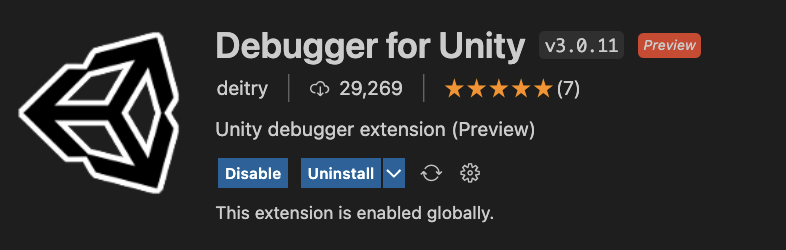
익스텐션에서 C#, Unity Code Snippets, Unity Tools, Debugger for Unity를 좌르륵 설치해준다.
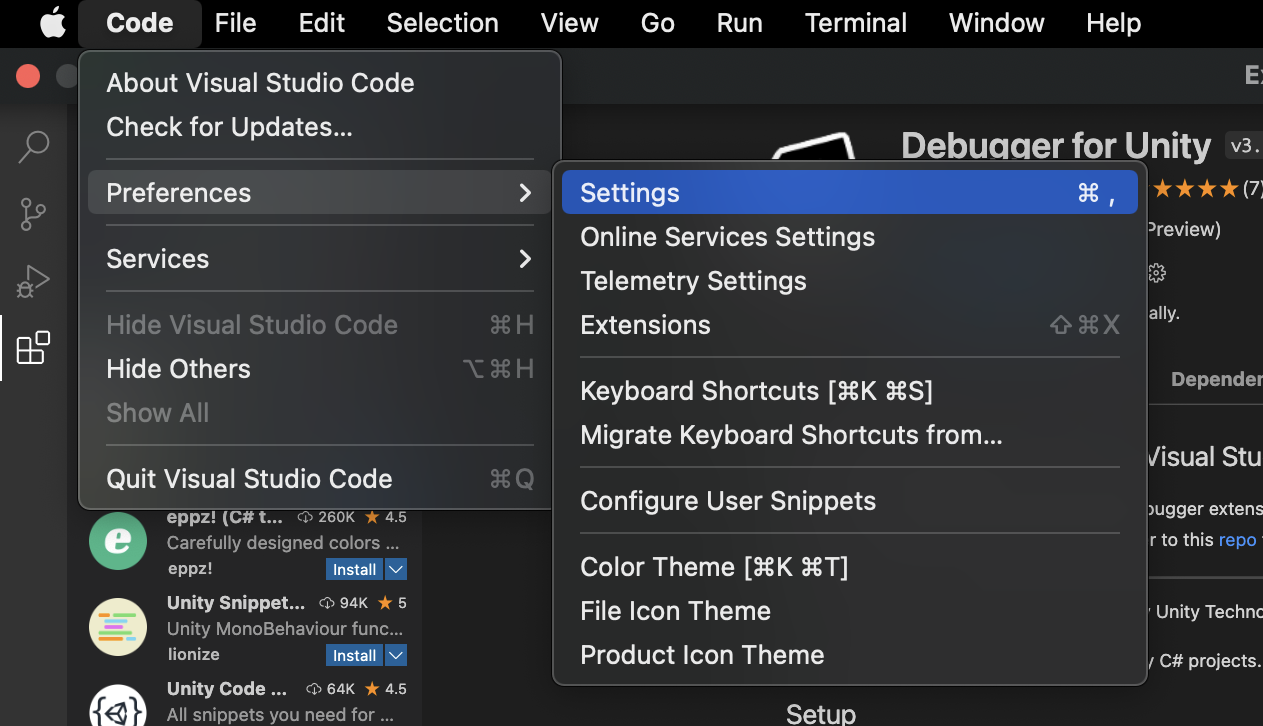
Code - Preferencse - Settings에 들어간다.
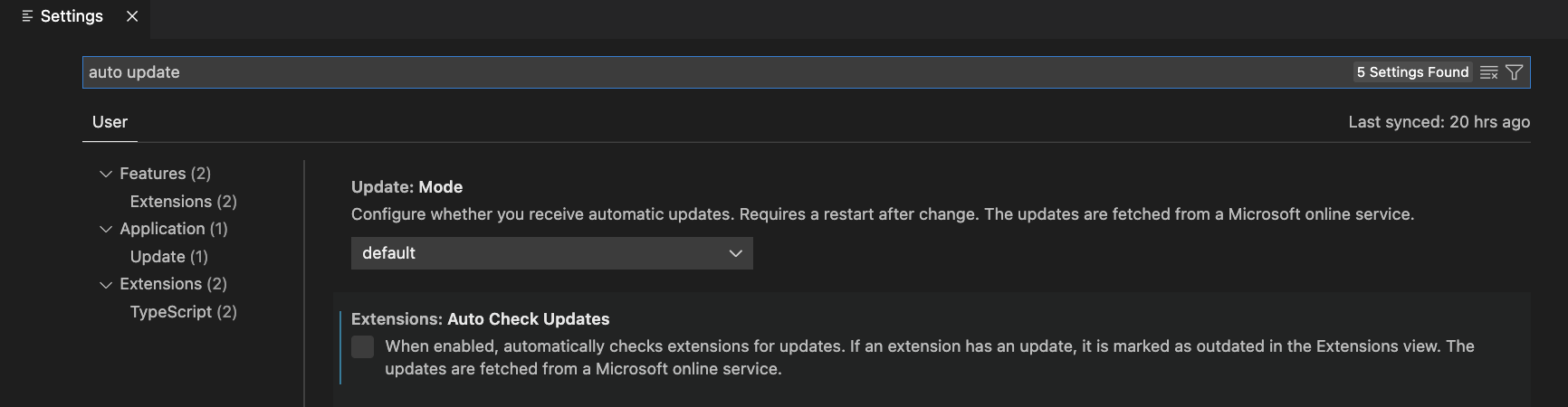
auto update를 검색하여 Extensions란의 Auto Check Updates를 체크 해제한다.

use modern net을 검색하여 Extensions란에 Omnisharp: Use Modern Net을 체크 해제한다.
(닷넷 SDK 버전이 6.0 아래면 Use GlobalMono일 것이다.)
(이 부분을 하지 않으면 스크립트 편집 시, trouble loading 어쩌고가 뜨니 주의해야 함)
https://dotnet.microsoft.com/en-us/download
Download .NET (Linux, macOS, and Windows)
Free downloads for building and running .NET apps on Linux, macOS, and Windows. Runtimes, SDKs, and developer packs for .NET Framework, .NET, and ASP.NET.
dotnet.microsoft.com
닷넷 SDK Arm64를 설치한다.
https://www.mono-project.com/download/stable/
Download - Stable | Mono
1 Add the Mono repository to your system The package repository hosts the packages you need, add it with the following commands. Note: the packages should work on newer Ubuntu versions too but we only test the ones listed below. Ubuntu 20.04 (amd64, armhf,
www.mono-project.com
Mono를 설치한다.
https://unity.com/kr/download#how-get-started
다운로드
지금 Unity를 다운로드하고 전 세계적으로 가장 큰 인기를 누리는 2D/3D 멀티플랫폼 경험 및 게임 제작용 개발 플랫폼을 사용하세요.
unity.com
Mac용 Unity HUB를 설치한다.
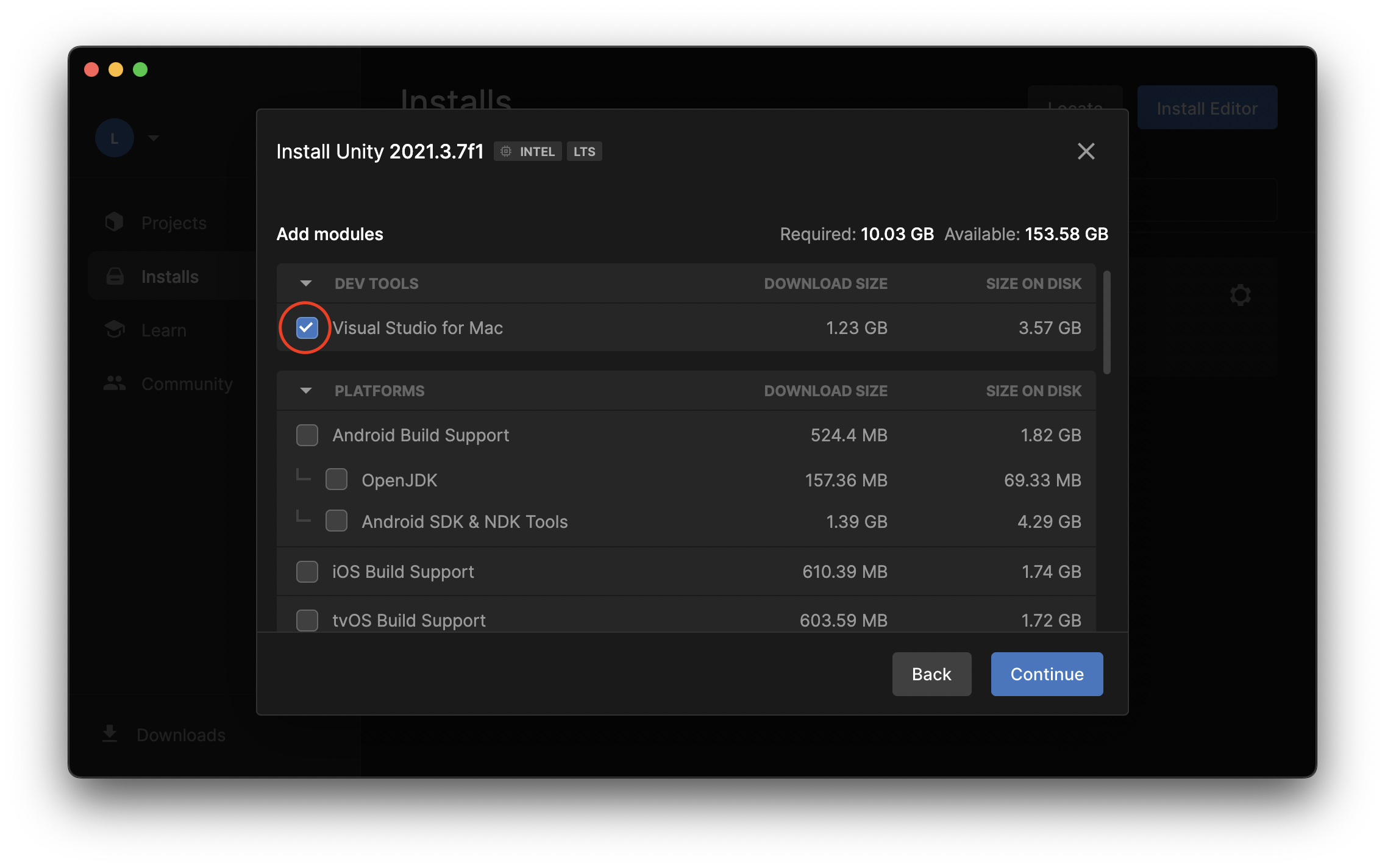
원하는 버전의 에디터를 설치한다.
단, VS Code를 쓰려고 개고생 했는데 Visual Studio for Mac을 설치해버리면 의미가 없다.
(까먹지 말고 체크 해제하자.)
Android Build Support, OpenJDK, SDK & NDK Tools / IOS Build Support를 체크하고 설치한다.
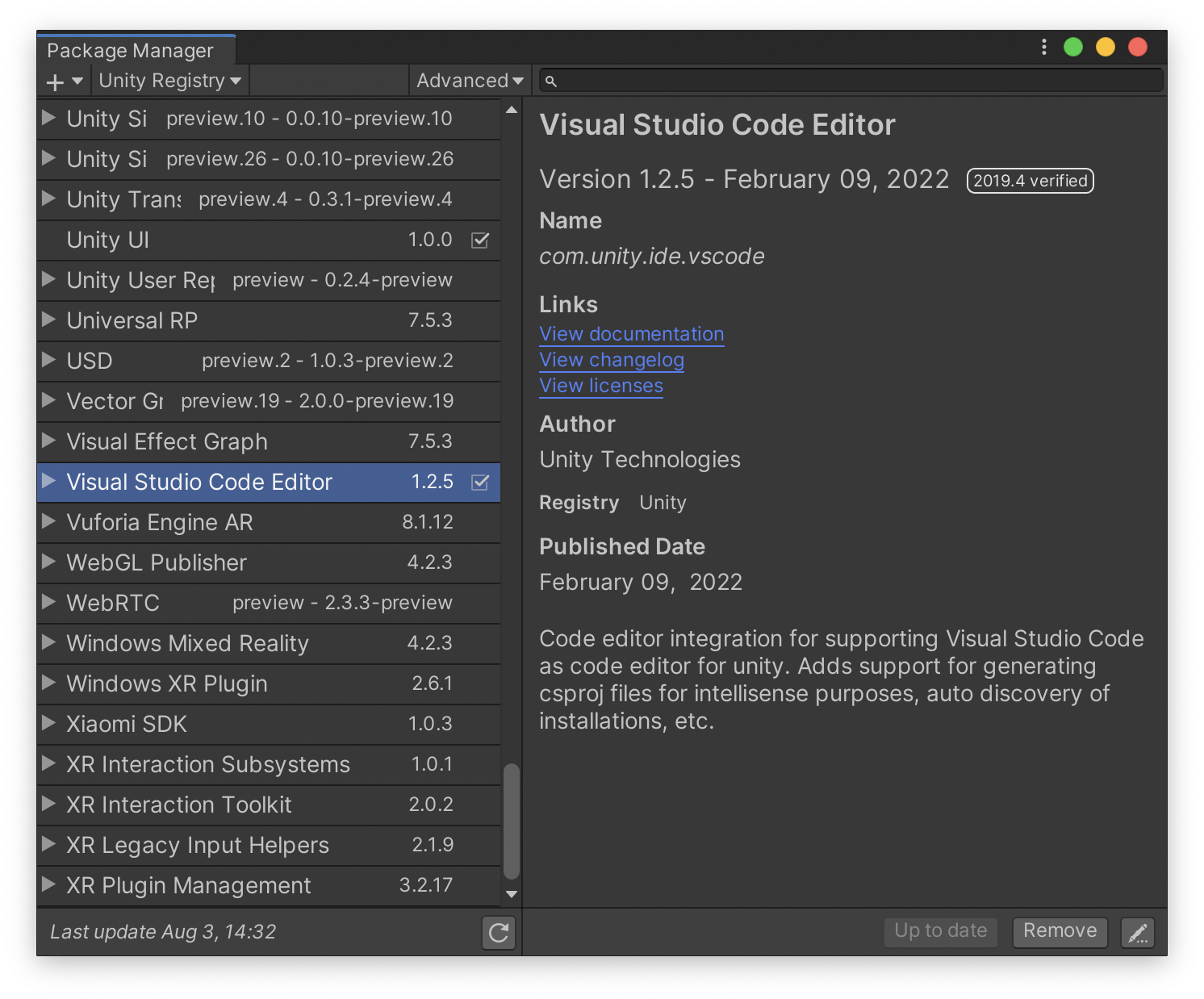
설치가 완료되면 새 프로젝트를 생성해 Package Manager에서 Visual Studio Code Editor를 설치한다.
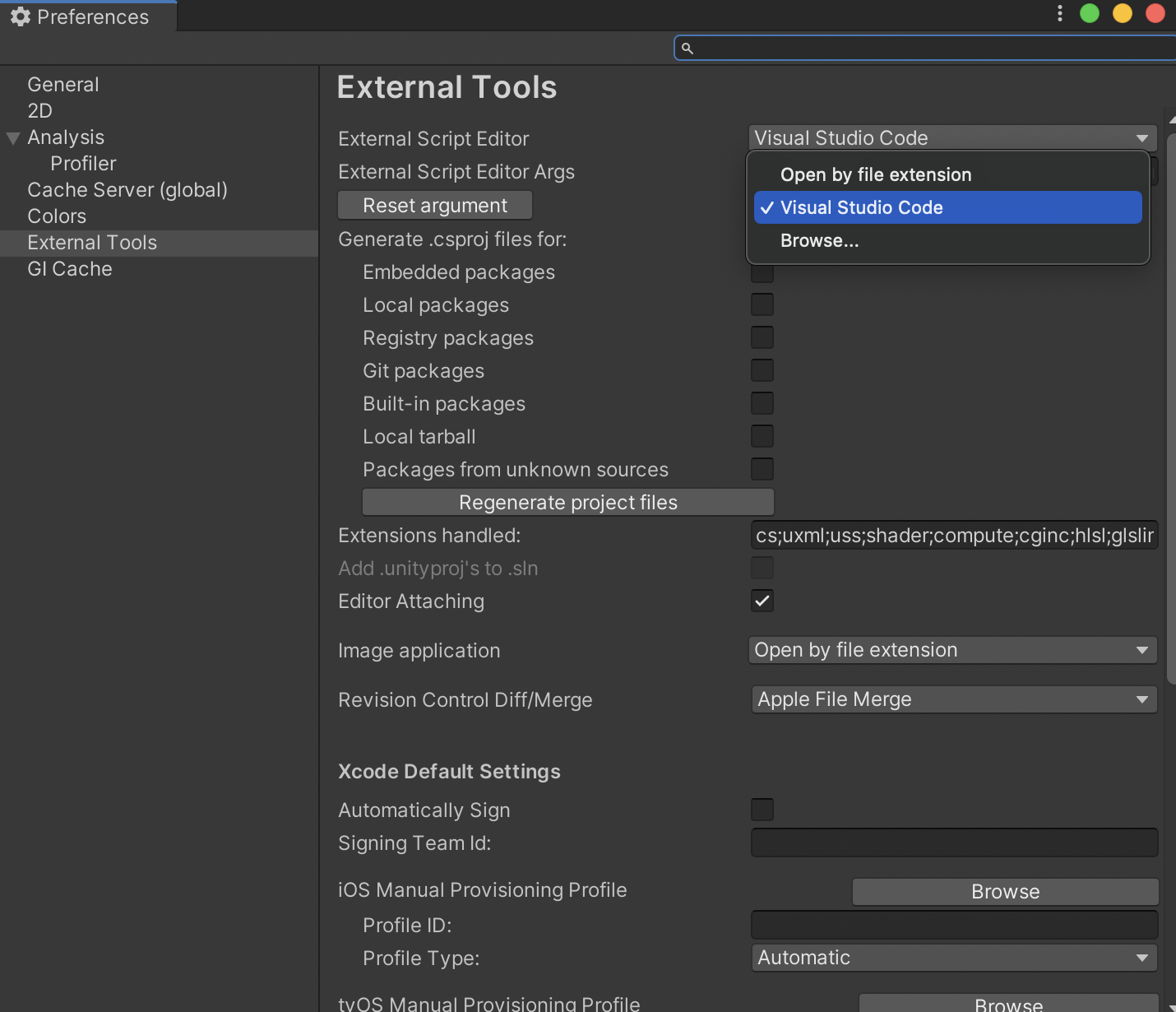
Unity - Preferences - External Tools에 External Script Editor를 Visual Studio Code로 변경한다.
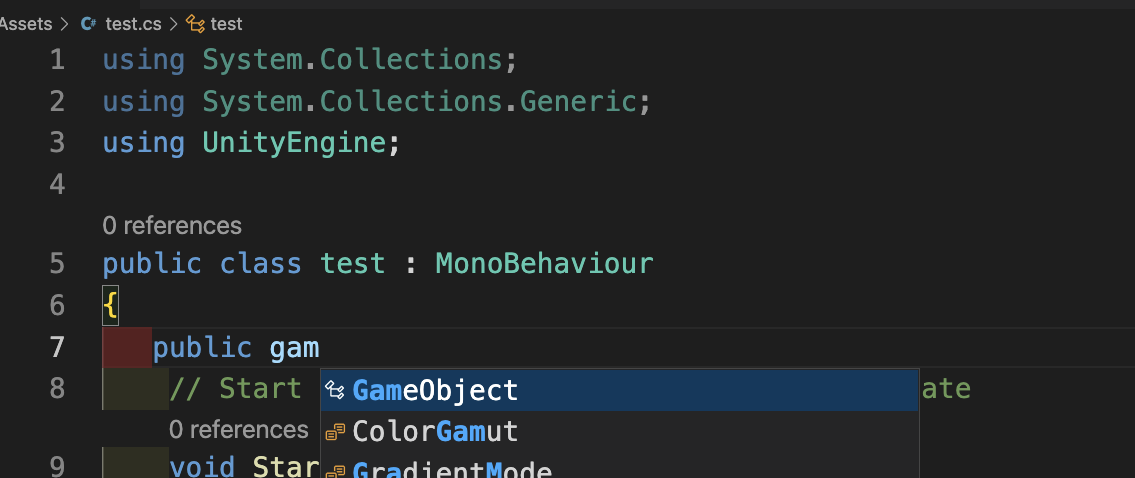
이제 Assets에 스크립트를 생성하고 코드를 작성하면 제대로 동작하는 것을 볼 수 있다.
'Study > Unity' 카테고리의 다른 글
| 유니티 SNS 공유 빌드 에러 : android resource linking failed: unexpected element <queries> found in <manifest> (0) | 2021.08.03 |
|---|---|
| 유니티 구글 플레이 게임 연동하기 (Unity GPGS Plugin) (0) | 2021.02.17 |
| 유니티 스프라이트 해상도 대응 (Unity Sprite Resolution Devices) (0) | 2021.02.16 |
| 유니티 UI 노치 대응 (Unity UI Notch Devices) (0) | 2021.02.16 |


